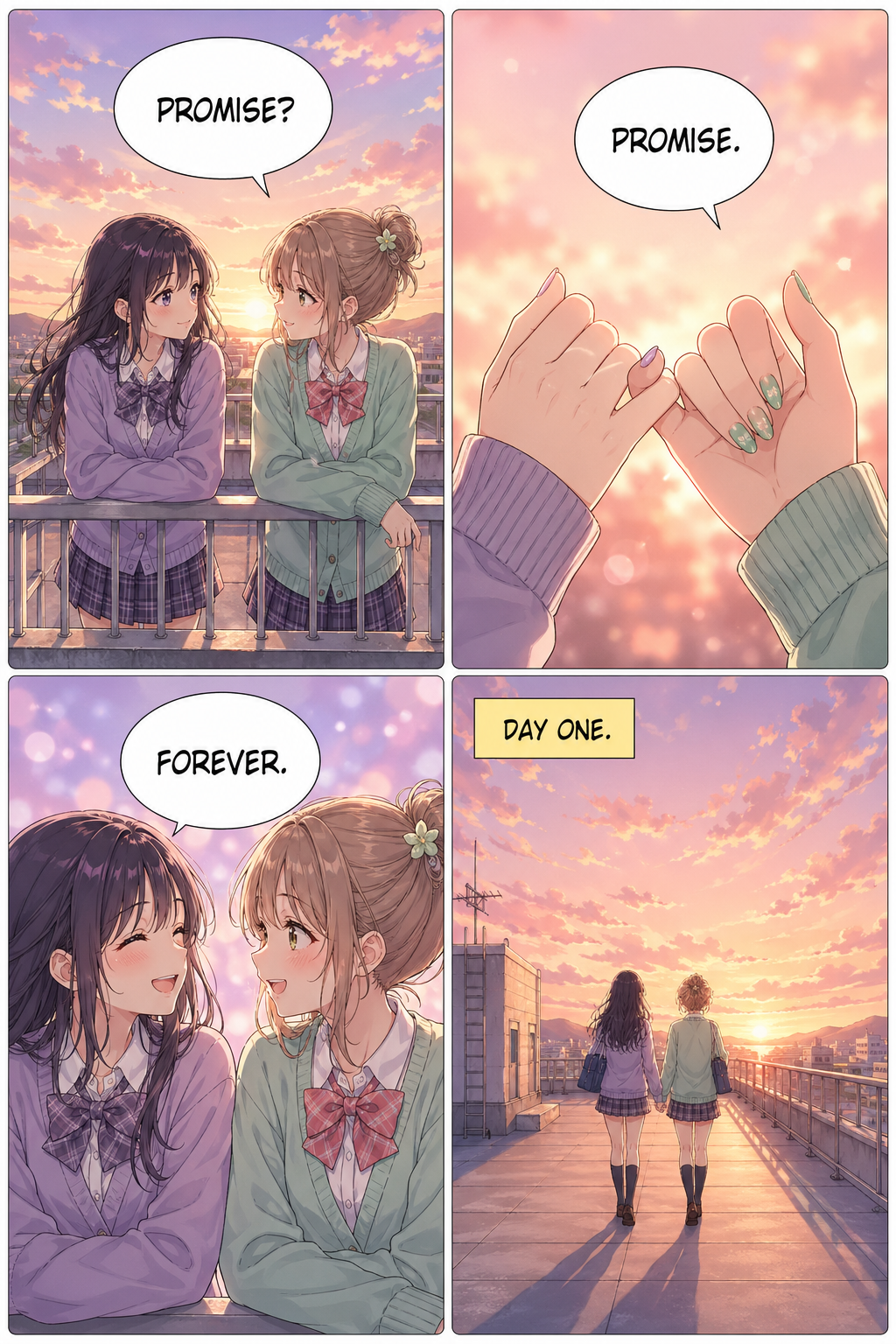
Rooftop Promise
Shōjo · 4 panels
Manga Creator is the modern AI app for digital-first creators. Make a vertical-scroll manga page in minutes — type one line of story, or upload a photo, and publish straight to your readers.
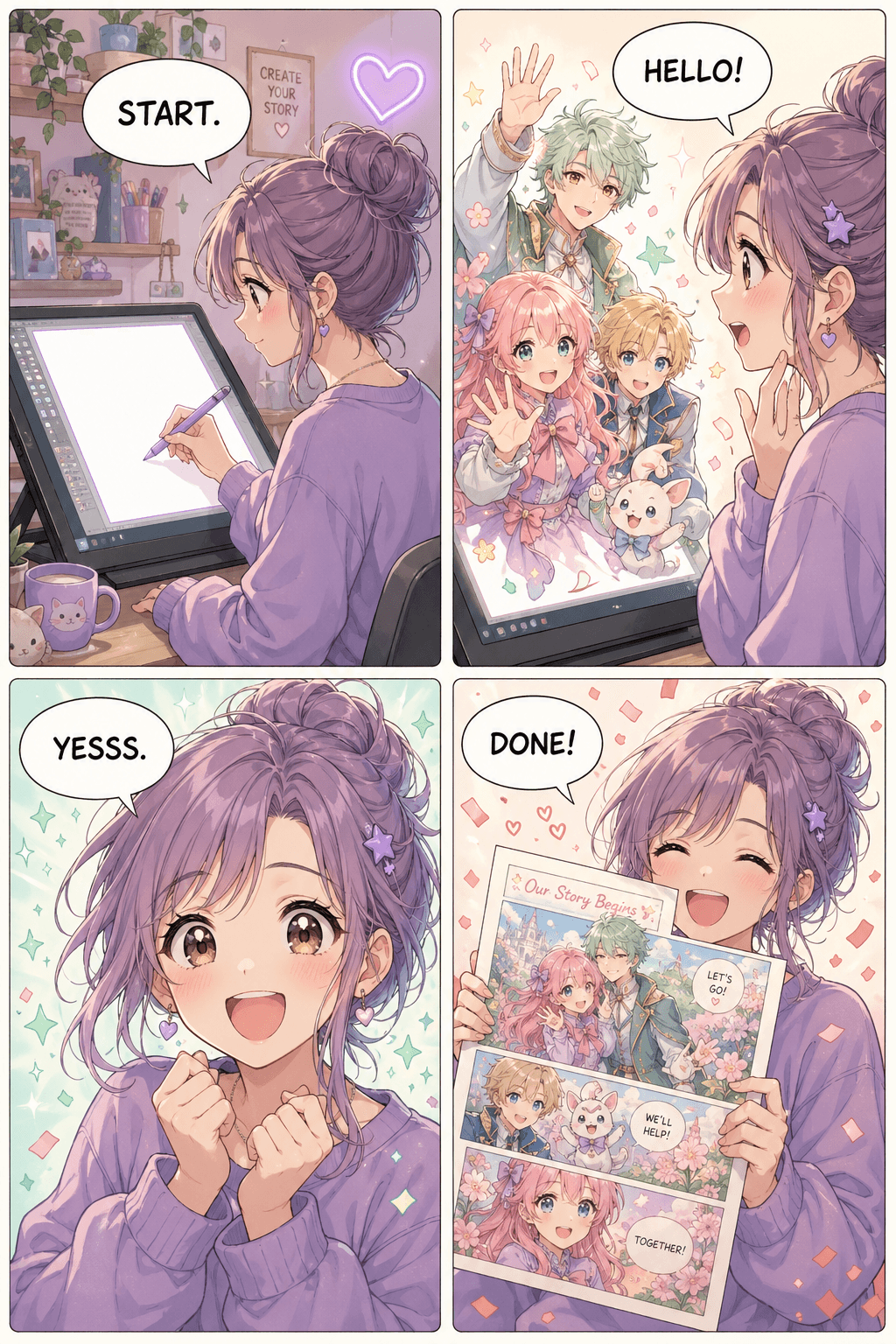
Manga Creator is built for digital-first creators. Type the idea, pick a layout, publish to your readers.
Vertical Strip
3-panel vertical scroll. Perfect for daily drops.
Manga Page
4, 6, or 9 panel pages with Japanese-style layouts.
Chaptered Volume
8 or 12 panel pages, chained into a multi-page chapter.
Type a one-line story idea, or upload a photo of someone you want as the lead.
Vertical manga strip, manga page, or chaptered volume. Pick your style, then edit the page with words or continue the story.
Manga Creator illustrates every panel and adds dialogue. Read in-app or export as a PNG to share.
Pick whichever fits your story. Both produce a publish-ready manga page in 1–2 minutes.
Drag in a selfie, a friend, or your pet. Manga Creator locks the look — same face, same outfit, same vibe — through the rest of the chapter so the lead actually feels like a lead.
Tell Manga Creator the premise in one sentence. It blocks out the cast, stages each beat, frames the camera, and letters the dialogue — ready to read on a phone or a page.
A few pages from the community. Tap any page to open the full image.
Shōjo · 4 panels
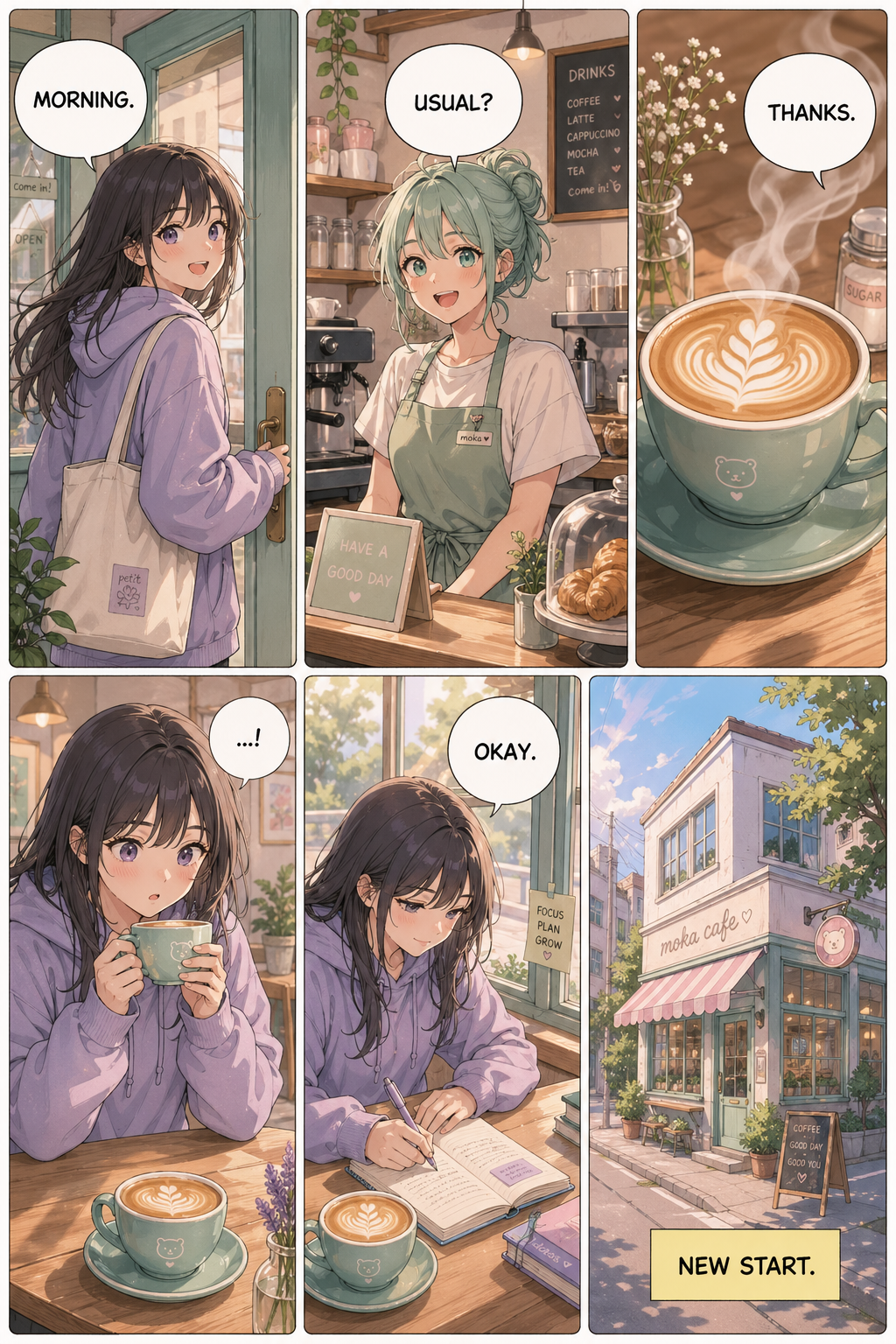
Slice · 6 panels
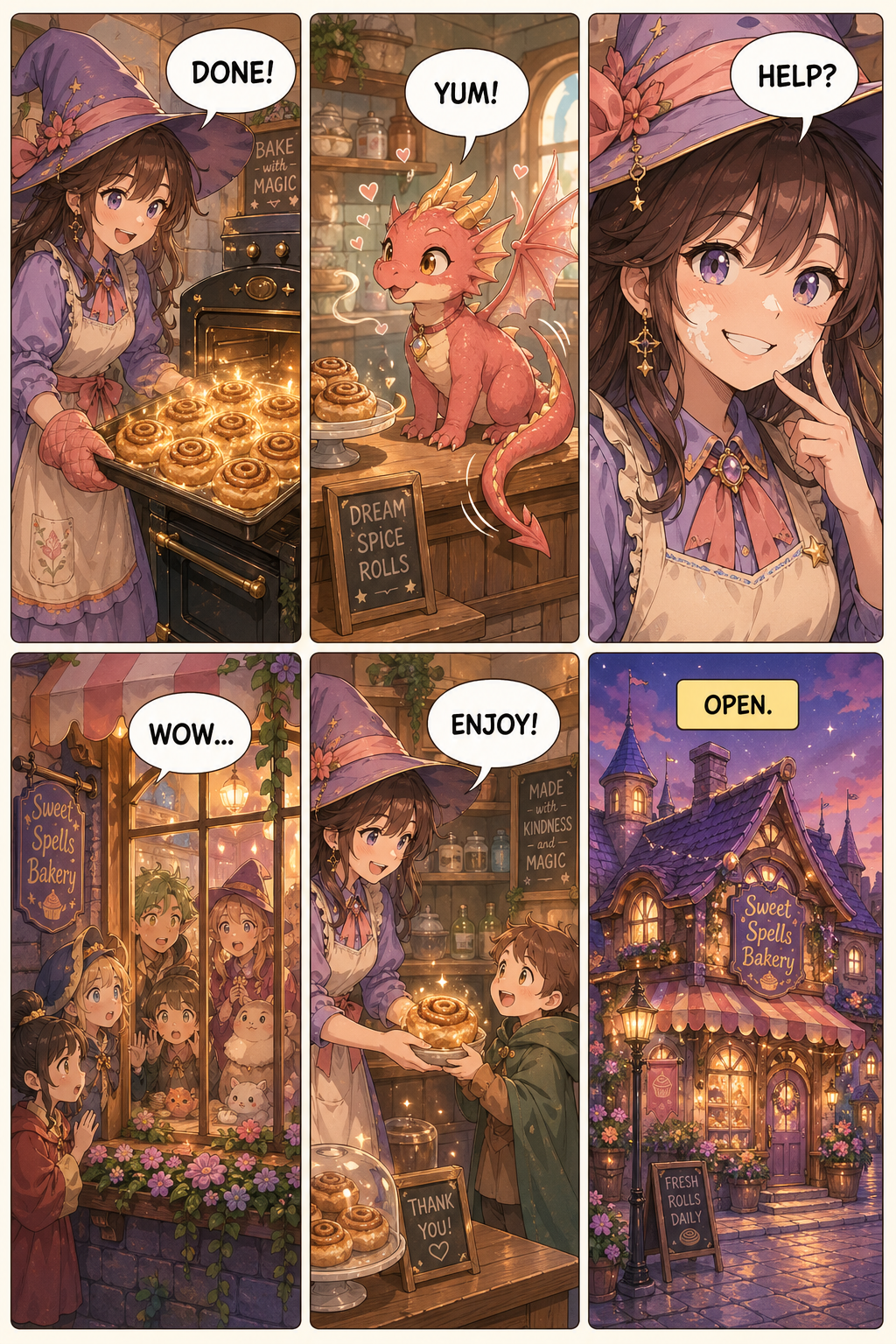
Fantasy · 6 panels
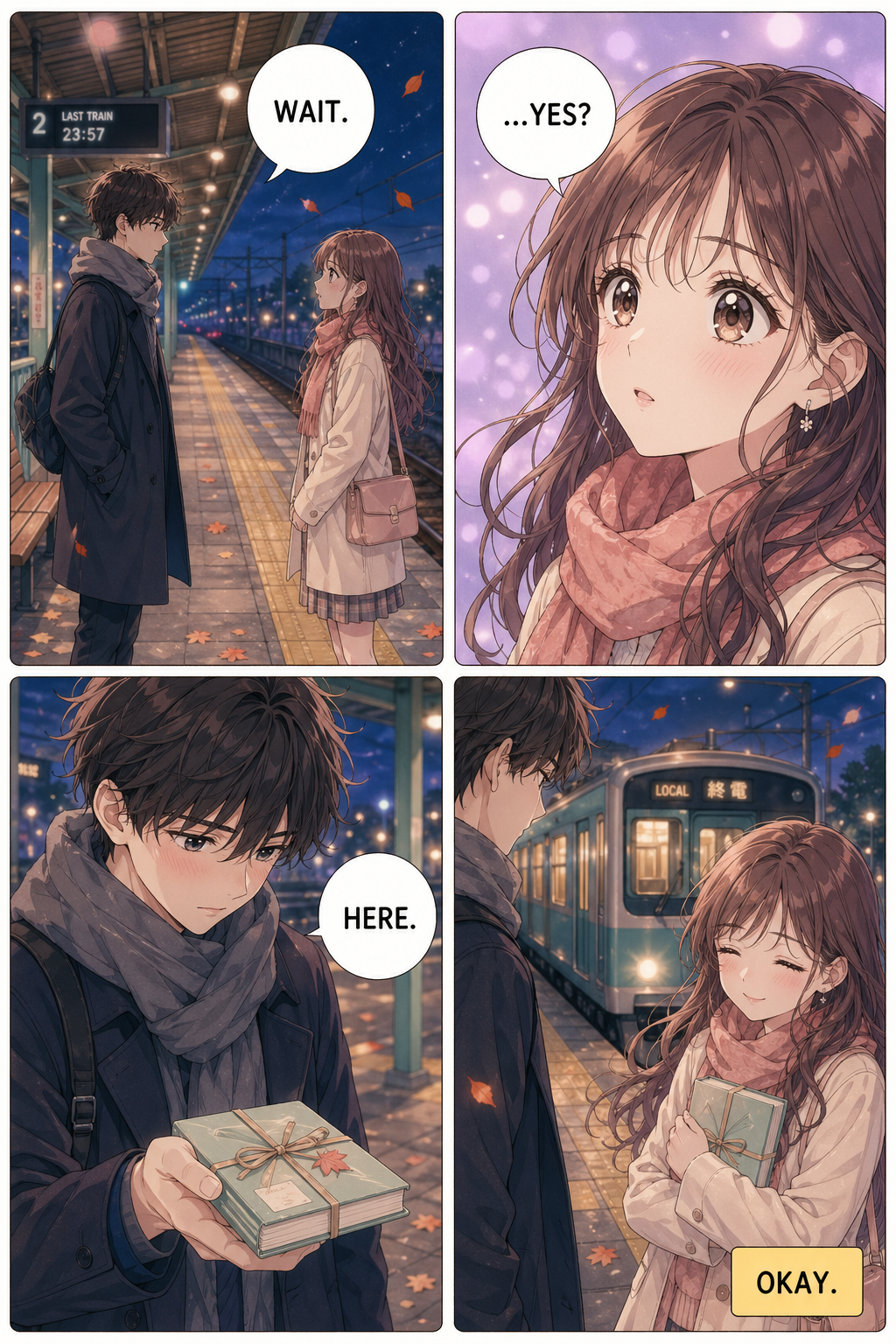
Shōjo · 4 panels
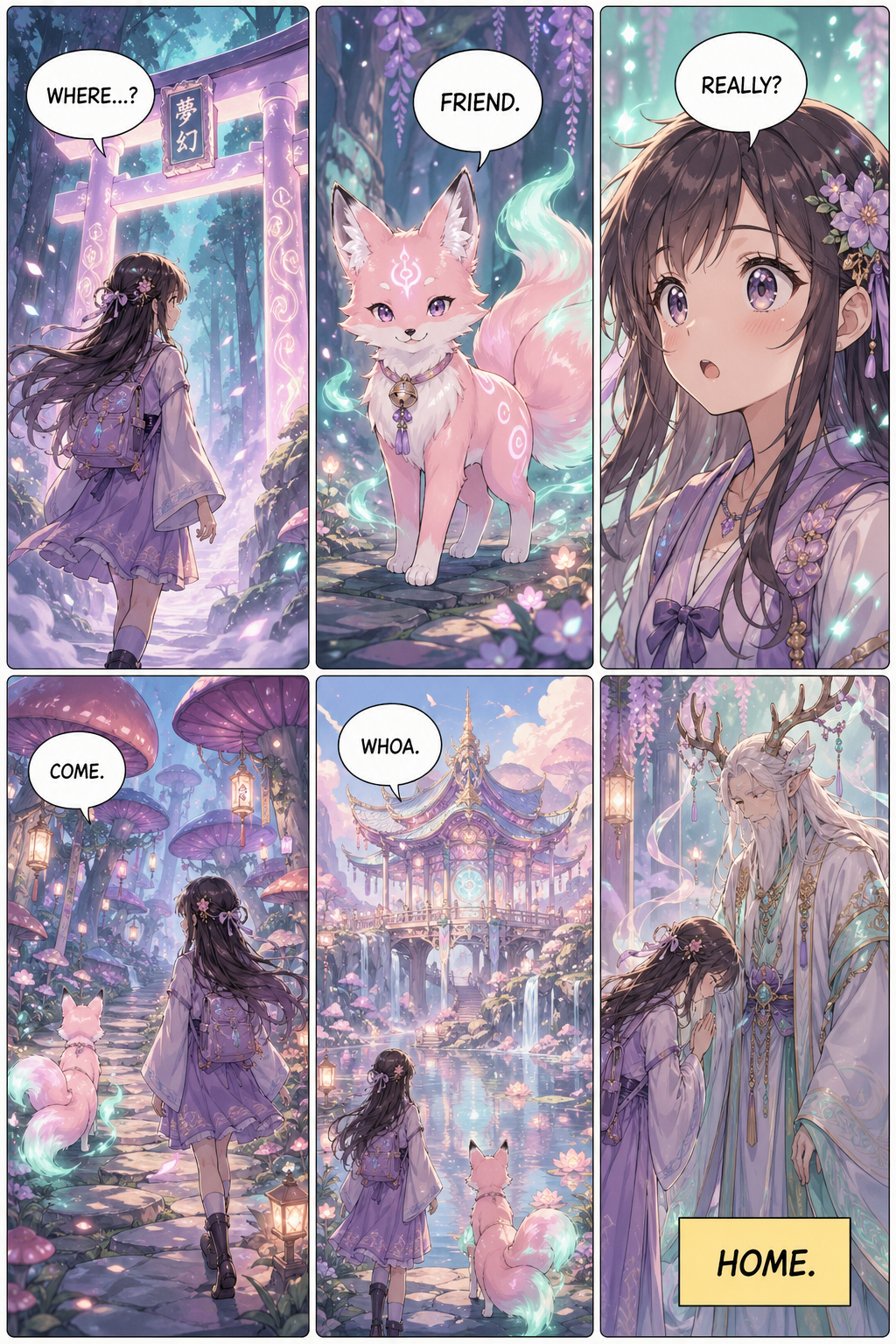
Isekai · 6 panels
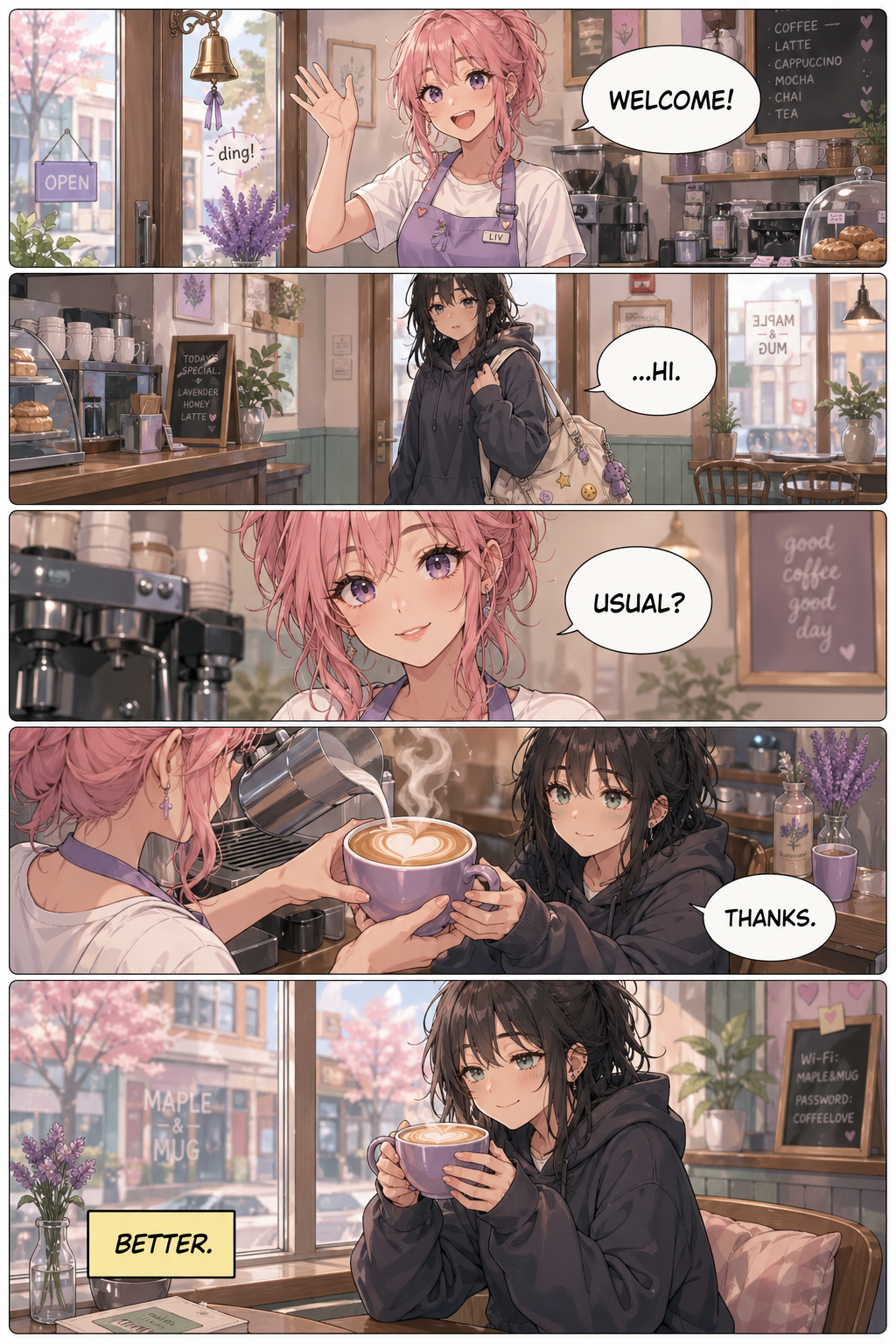
Slice · 6 panels
Manga Creator is for digital-first creators publishing on phones, not print. Every layout is mobile-optimized and ready out of the box.
Make a vertical-scroll chapter on the same day you wrote it.
Storyboard a chaptered volume without hiring an artist.
Turn your fic into a panel-by-panel manga for your readers.
Make a free manga of your story the same night you wrote it.
Is Manga Creator free?
It is free to try: new accounts get 2 credits, enough for a quick page in any of the 12 manga styles. After that, a monthly plan or a one-time credit pack keeps you going. Packs never expire.
How long does it take to make a manga page?
Usually 1–2 minutes per page, depending on the layout and art style. You can keep writing while Manga Creator makes the next panel.
Does Manga Creator do vertical mangas?
Yes. Every layout is mobile-optimized for vertical-scroll reading. You can also publish a traditional manga page if you want a print-style spread.
Who owns the manga I make?
You do. Every manga you make on Manga Creator is yours — subject to the terms. Copyright law varies by country and we can't offer legal advice, so for a specific question, talk to a legal expert.
Do I need to know how to draw?
No. Manga Creator makes everything for you. You just type a story or upload a photo, and we generate the panels, characters, and dialogue.
Can I change a page after it's made?
Yes. Open a page in the studio and describe the change — Edit redraws it in the same style. Continue makes the next page with the same characters. Each one costs credits like a new page.
Free to try — new accounts get 2 credits. 12 manga styles, ready to roll.